Side project · Case study

Explore the Word app icon

Explore the Word

Bible study with answers that cite Scripture.

A free app that answers questions about the Bible and cites the verses behind every answer, so the reader can open each passage and check it. Reading works with no signal at all.

An answer with tappable verse references woven into the text

The problem

People carry questions about the Bible that feel too basic, or too difficult, to ask out loud. General AI tools will answer them, but the answer arrives with nothing to check it against, which is the wrong shape for Scripture.

So I built one in my own time. I wanted an app where the answer is the start of the reading and not a replacement for it: every claim points at a verse, and the verse is one tap away.

What I built

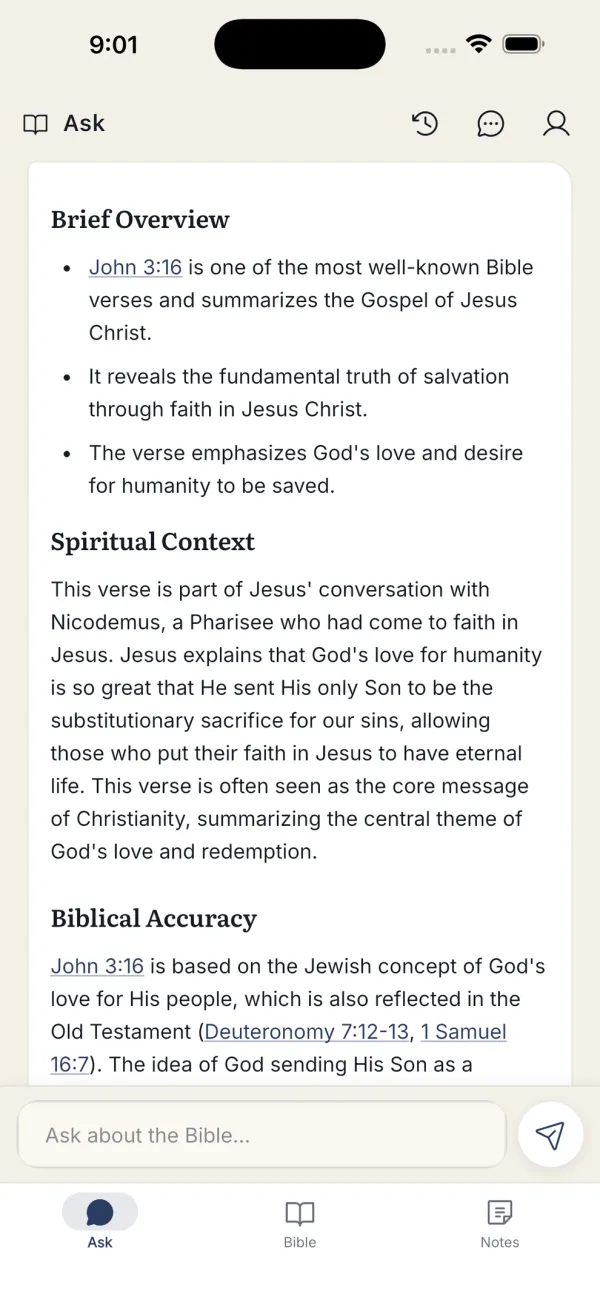
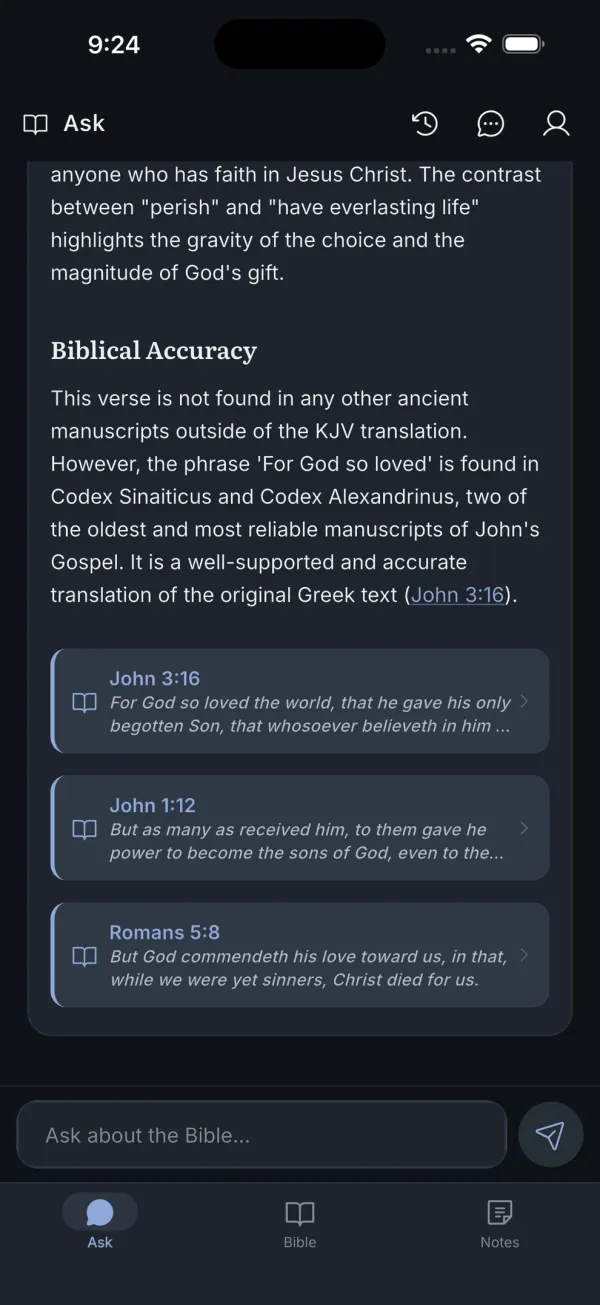
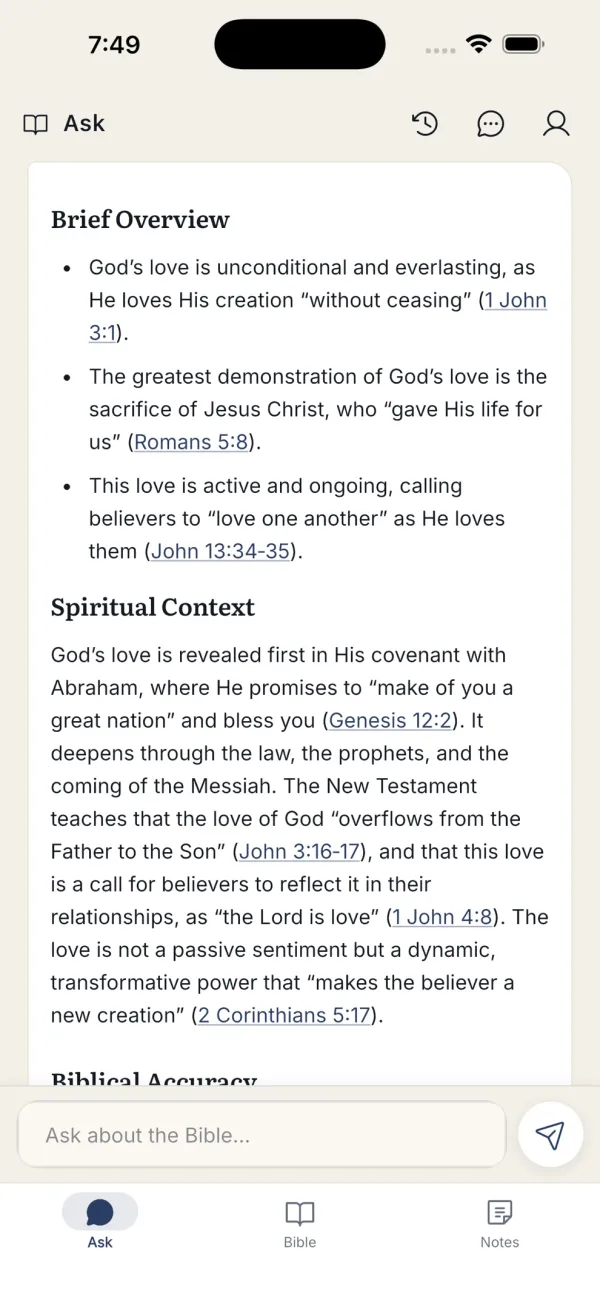
An answer about John 3:16 split into Brief Overview, Spiritual Context and Biblical Accuracy sections

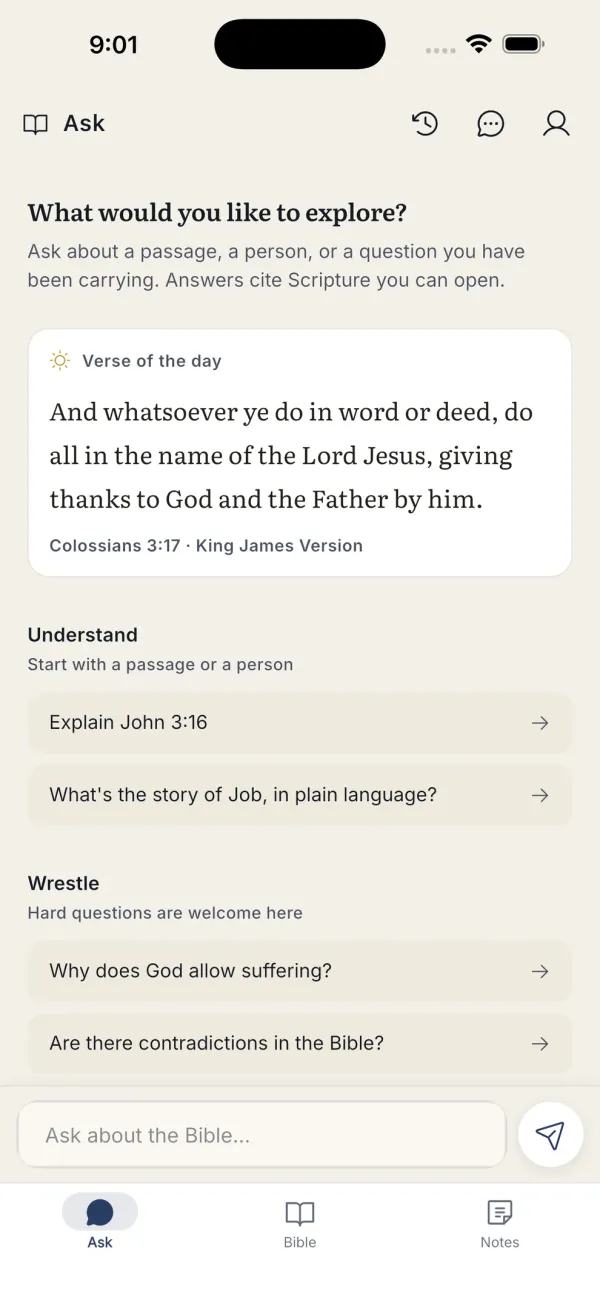
Ask anything, get a structured answer

Questions are typed the way you would say them. Answers come back in three parts: a brief overview, the spiritual context, and a note on biblical accuracy.

  • Starter prompts grouped as Understand, Wrestle and Apply
  • Edit a question and regenerate the answer
  • Conversations save to history and sync across devices
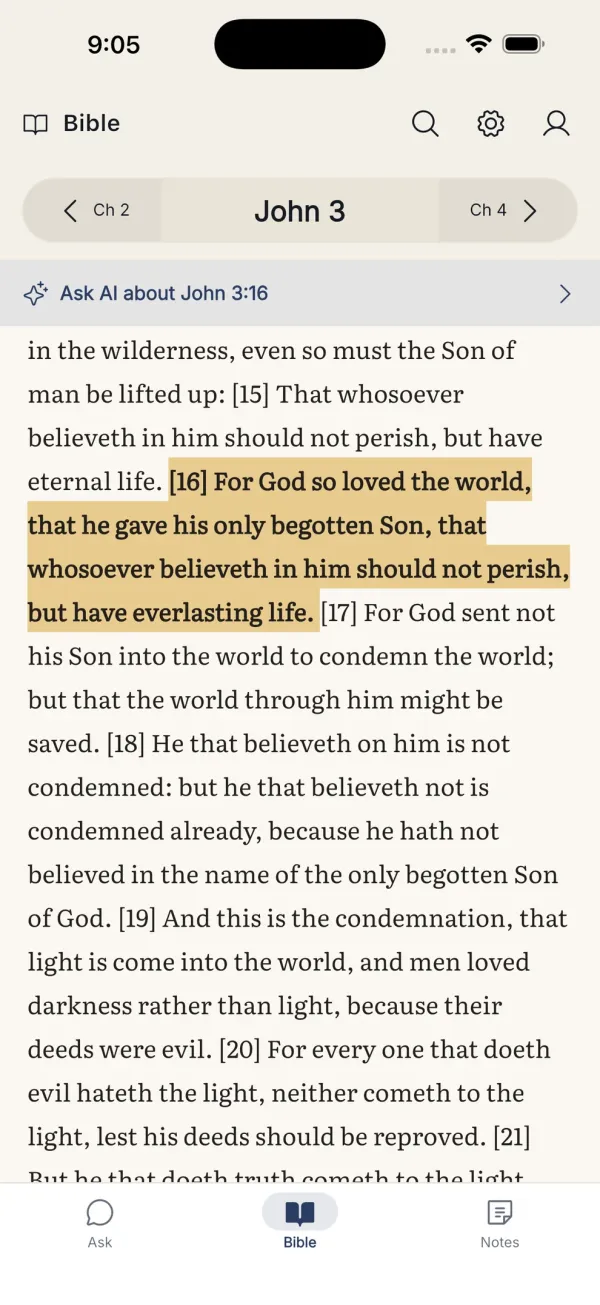
John 3 with verse 16 highlighted in gold

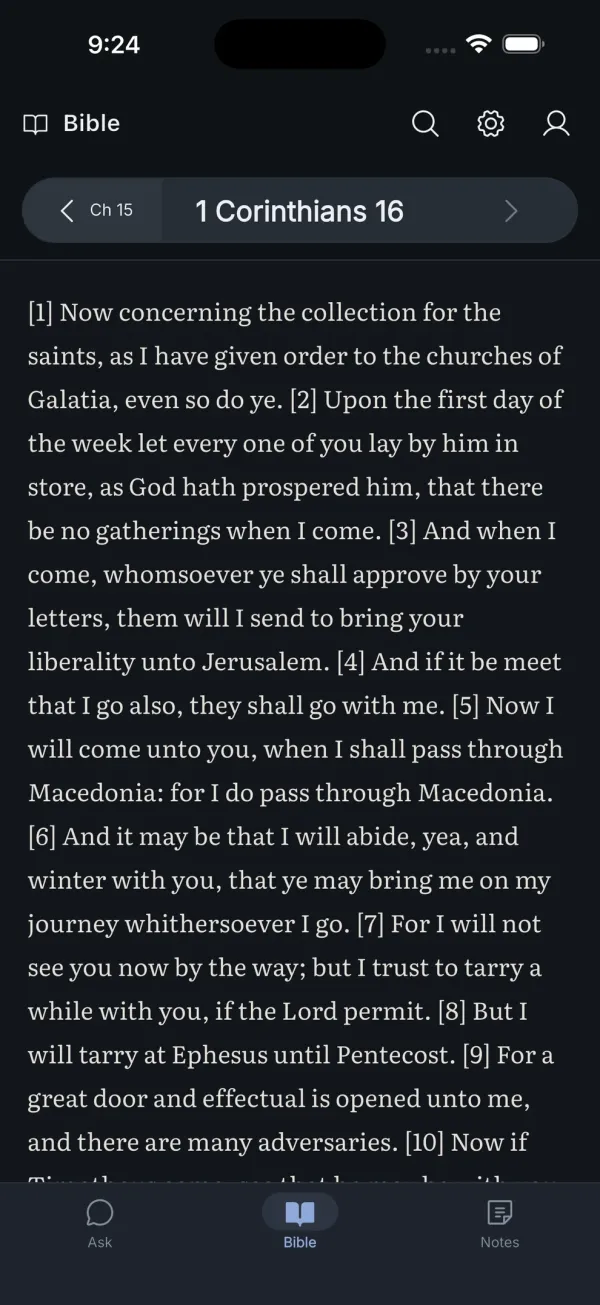
Land on the verse, not the chapter

References are woven into the sentence they support. Tapping one opens the chapter scrolled to that verse with it highlighted, and a bar at the top takes the passage back into the conversation.

  • Inline references such as “John 3:16” open the reader
  • “Ask AI about this verse” bridges reading back into study
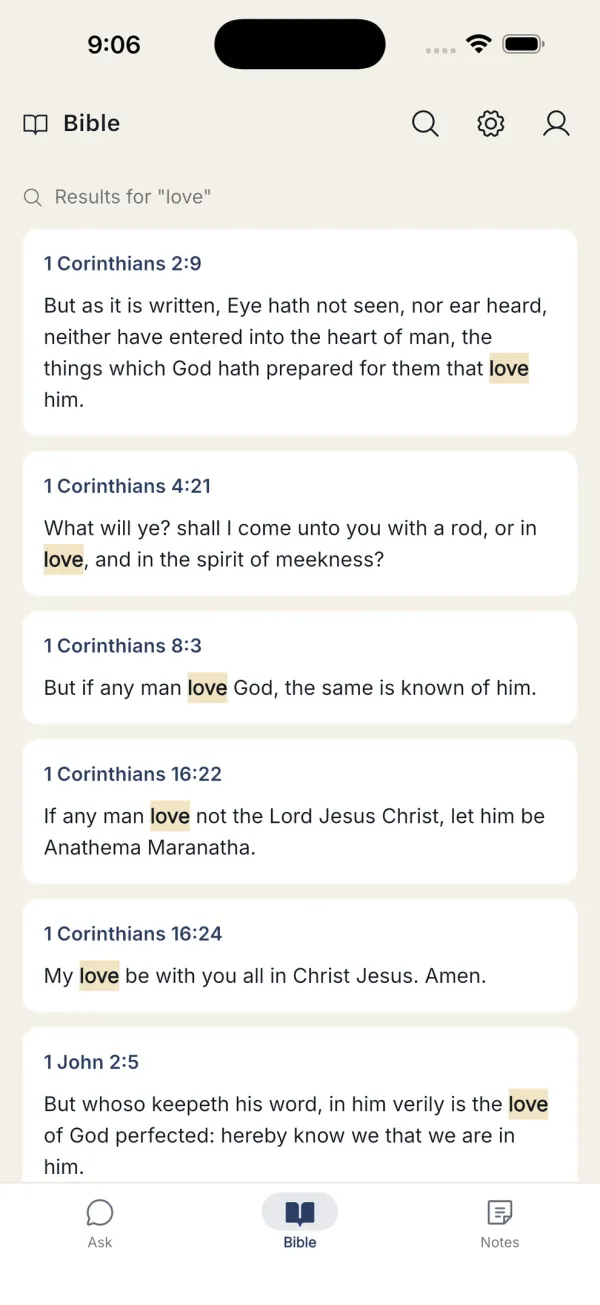
  • Whole-word search across all 66 books
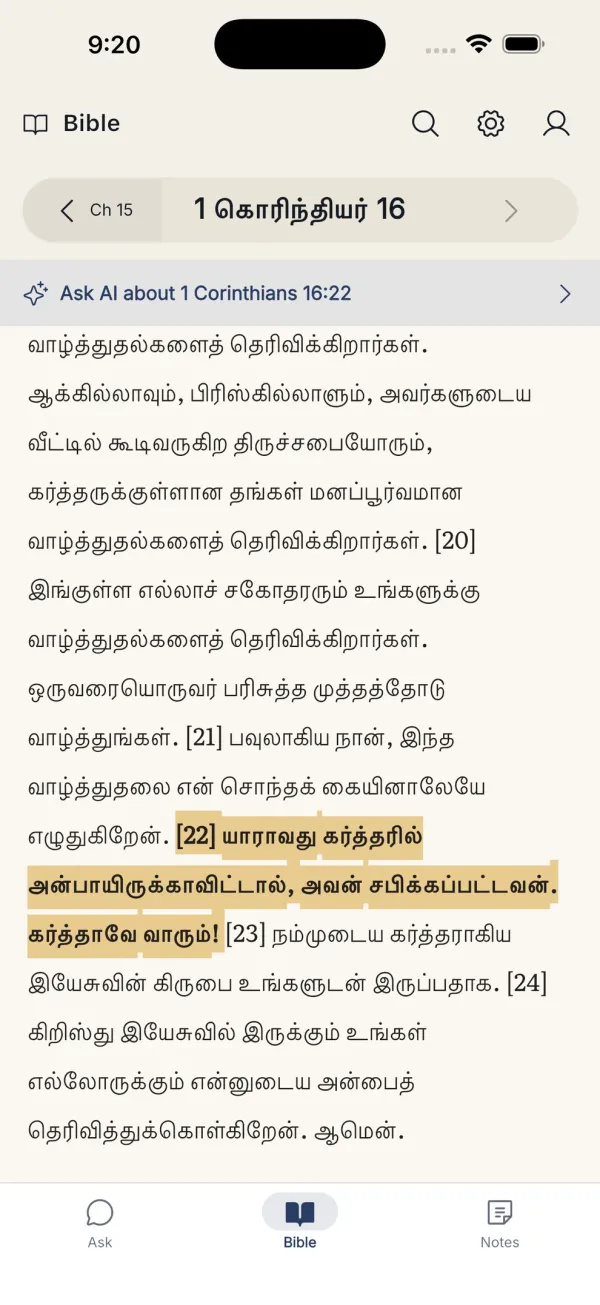
1 Corinthians 16 rendered in Tamil script with a verse highlighted

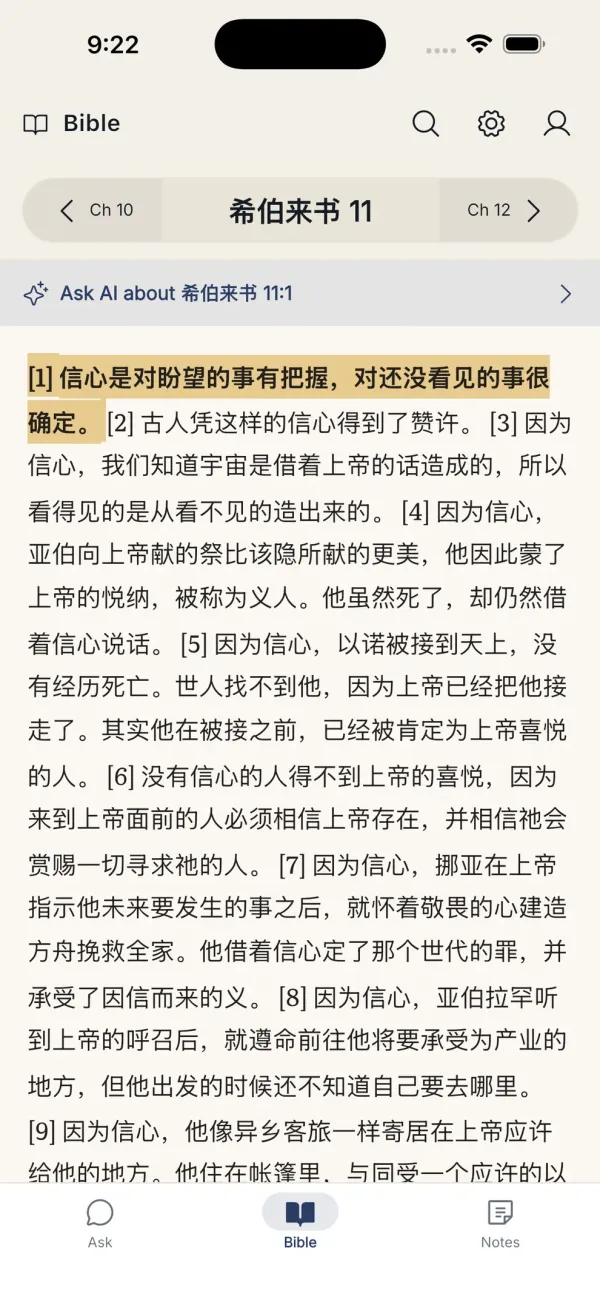
Seven translations, three languages, no signal required

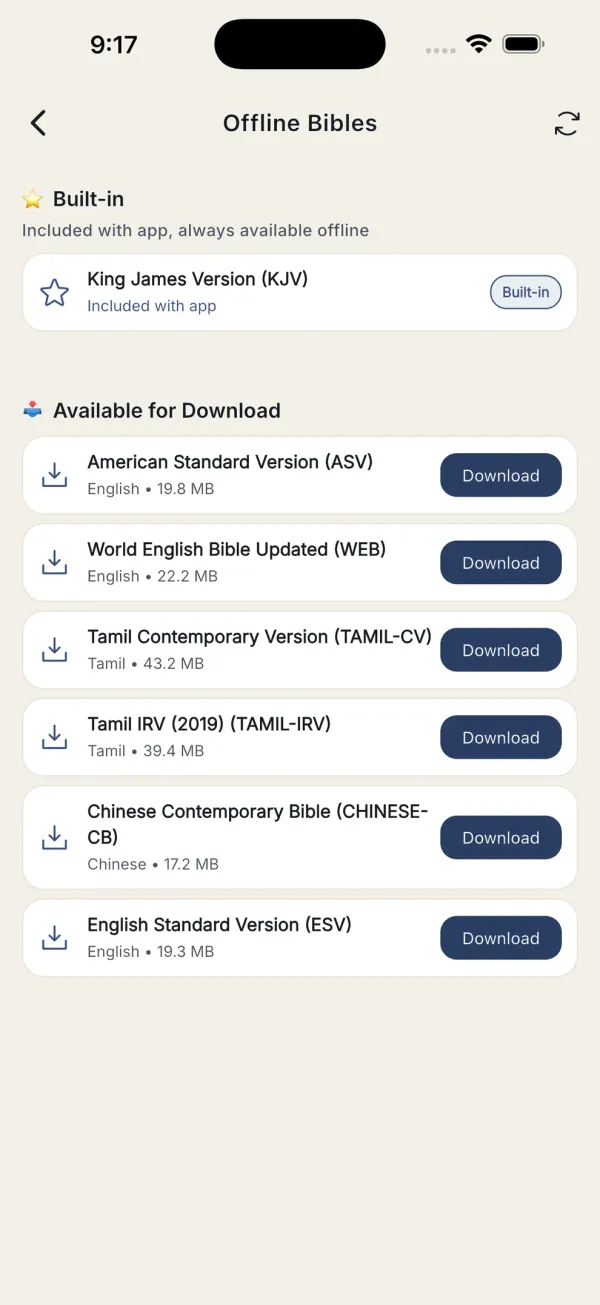
The King James Version ships inside the app, so reading works the moment it is installed. Six more translations in English, Tamil and Chinese are one-time downloads that stay on the device.

  • Tamil and Chinese scripts render and search correctly
  • Switch translation mid-chapter and stay on the same passage
  • Downloads continue when you leave the screen
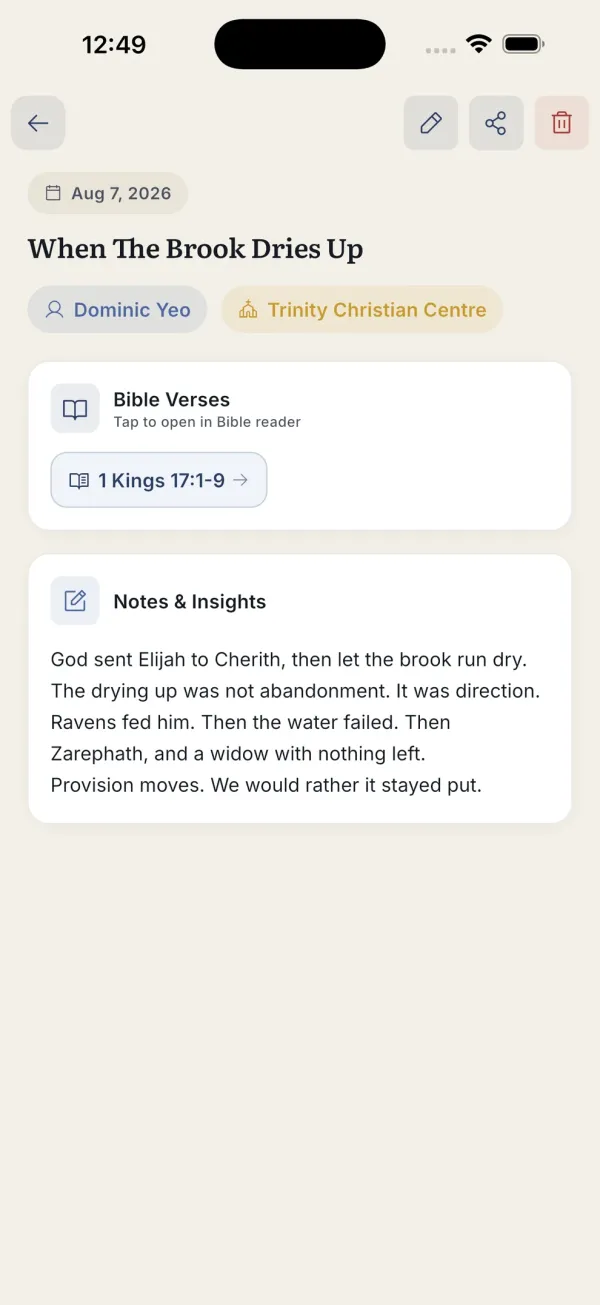
A sermon note with its speaker, church, attached passage and written reflections

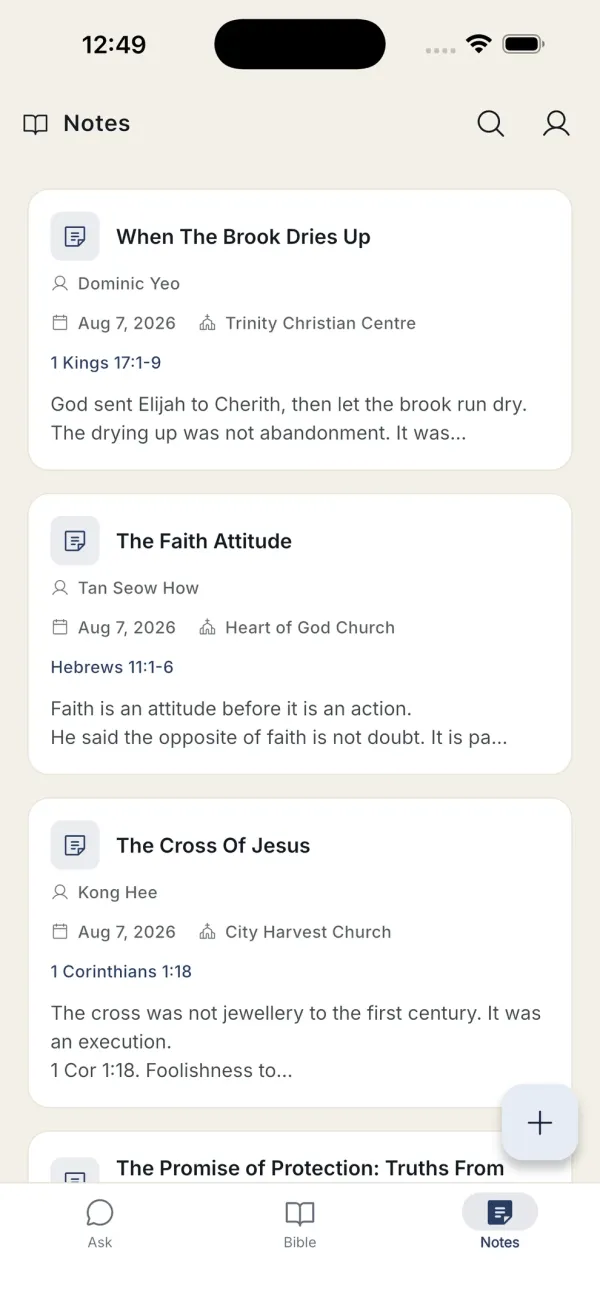
Sermon notes that keep their references

A note holds the title, speaker, church, date and the passages being preached. Attached verses become chips that open the reader, so a note stays connected to its text.

  • Notes are written to the device first and sync when back online
  • Filter by speaker, church, tag or date
  • Share a note as plain text

Engineering decisions

Trust

Every answer shows its work

Generated text can be wrong, so the app never asks to be believed. Each part of an answer carries the verse behind it, and the reference resolves to the right book, chapter and verse in whichever translation is open.

Reliability

English-only answers, on purpose

Answers generated in Tamil and Chinese were noticeably less reliable: wrong books cited, and in places book names that do not exist. I shipped the version I could stand behind and kept reading fully multilingual.

Offline-first

Reading never depends on a connection

The KJV is bundled, other translations (roughly 17 to 43 MB each) live on the device, and notes are written locally before they sync. Only asking a question needs the network, and the app says so plainly when offline.

Privacy

The AI provider never learns who is asking

Questions go to my own server, which forwards only the question, the translation in use and the last eight messages. Name, email and account ID are never sent. No ads, and analytics are switched off entirely on Android.

Sustainability

Keeping a free app affordable to run

A cap of 500 questions a month and 30 messages per conversation keeps costs predictable. When a limit is reached the app explains it clearly, offers to carry the last question into a new conversation, and keeps reading, search and notes working.

Accessibility

Layouts that hold at the largest text sizes

The app follows the system text size, including the accessibility sizes, and reflows instead of clipping. It has a full dark theme and a separate font-size control for Scripture in the reader.

Built with

Written in Flutter, with SQLite on the device and Firebase behind it. I release it myself through App Store Connect and Google Play Console, under my own developer accounts.

  • Flutter
  • Dart
  • SQLite
  • Firebase Authentication
  • Cloud Firestore
  • Firebase Storage
  • Firebase Remote Config
  • Crash reporting
  • Server-side AI gateway
  • Stripe (donations)
  • App Store Connect
  • Google Play Console

A closer look

Try it yourself.

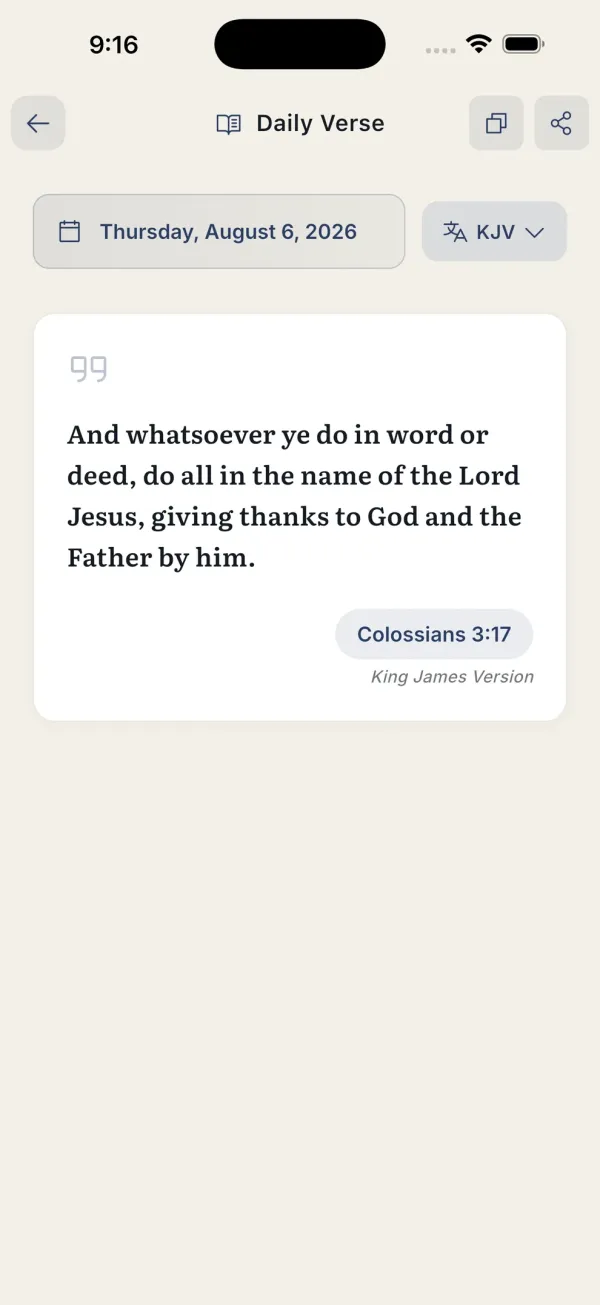
Explore the Word is free, with no ads. The King James Version is already inside, so there is nothing to download before you start.